Gear
GoPro vs. Insta360 X5 underwater: why I switched
Translated from the German original.
Everyone get ready, they say on board, and then: into the water. An hour by boat from Dhigurah in the Maldives there are about ten boats, and all of them are here because of a whale shark. I simply hold the Insta360 in front of me and look down. There’s the whale shark, swimming straight toward me and gliding beneath me. Behind it come around fifty snorkelers and ten divers, and everywhere there are fins, hands and arms. I’m not looking at a display now; I’m concentrating on swimming.
In case you’re torn between GoPro and Insta360: My GoPro Hero 10 didn’t survive a dive to a depth of twenty meters in Egypt. That’s why, since our trip to Mauritius, I have been filming underwater with the Insta360 X5. The GoPro delivers videos and photos immediately in the finished format. In the evening I could watch them and send them straight to the family.
The Insta360 records everything all around, and I only decide on the frame afterwards. I’m thrilled with this concept. This great possibility just costs time in editing: for one minute of video, I sometimes spend twenty minutes at the laptop. More than the time, what bothers me is the image quality in the shots that mattered to me. With practice and the right preparation, though, you can certainly get very good videos. I never compared the two cameras side by side.
Filming a whale shark with the Insta360: what it did for me
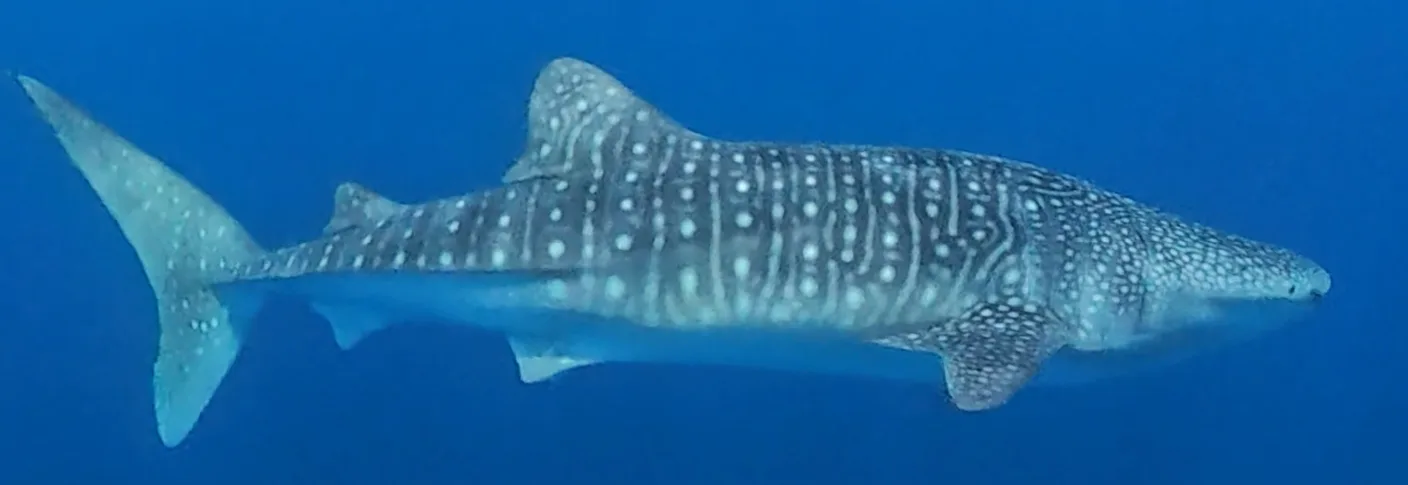
On the whale shark tour from Dhigurah, the Insta360 helped me for two reasons. In the jostling for the good spots, I couldn’t have held a camera in front of me and also checked on the display whether the shark was in the picture. With the Insta360, I only had to hold it in front of me.
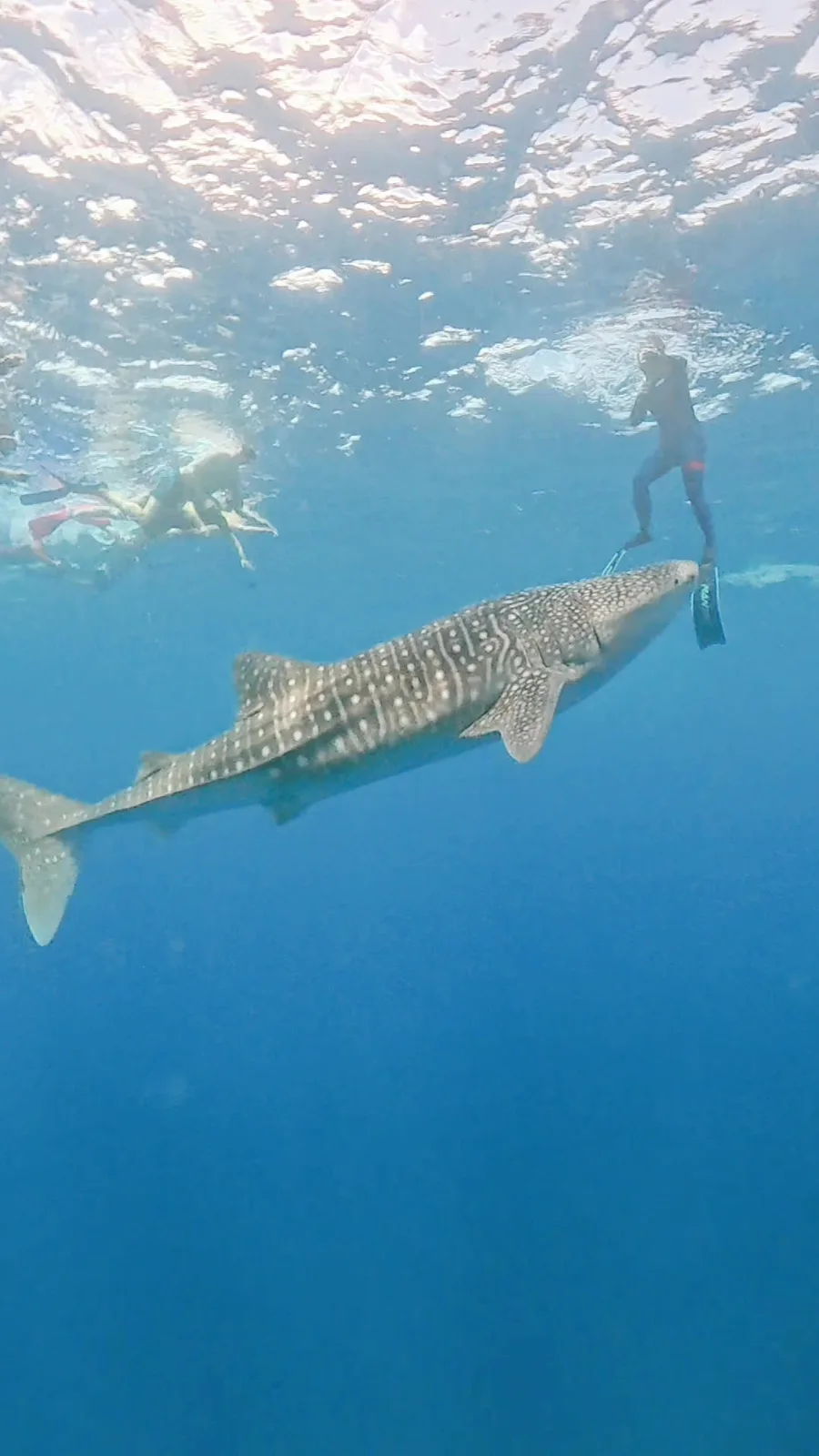
I almost never had a clear view on this tour; usually there was an arm or a snorkeler between me and the animal. The Insta360 helped with that too. Later at the laptop, I could choose the frame so that no snorkelers, or only very few, are visible. That doesn’t work with the GoPro.
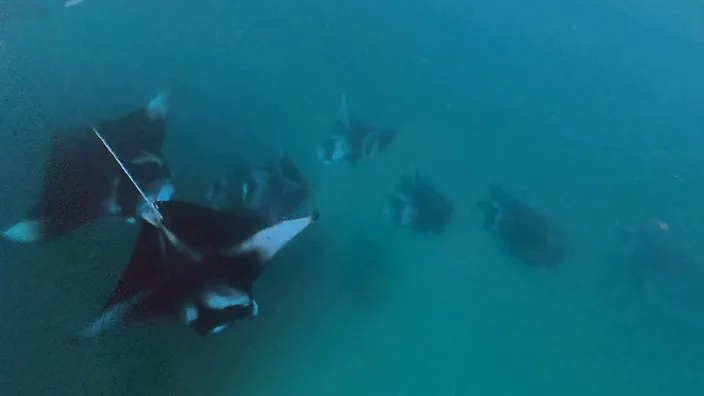
It was just the same with the mantas in Hanifaru Bay, which we visited from Maalhos. Sometimes a recording also has more on it than I noticed in the water. You want to film one manta and find out later that there were five others. Then you have those on video too. From the 360 degrees, I can also cut a video in a very wide format afterwards, a kind of panorama.
The downside: how long does the editing take?
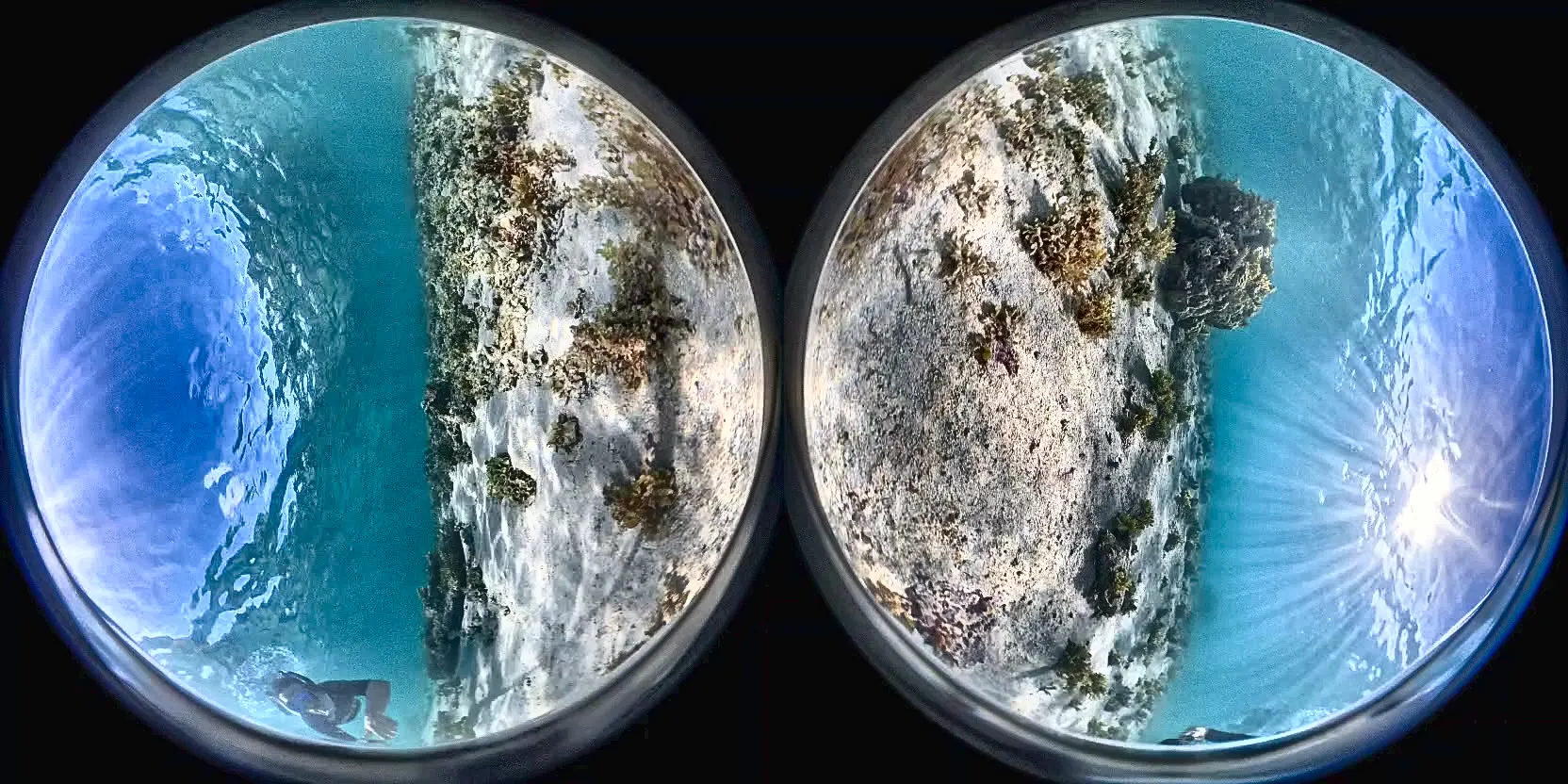
No finished video comes out of the Insta360. The camera saves two round fisheye images side by side, like on the cover image of this article. From that, I first cut a normal video at the laptop with the Insta360 Studio program.
That takes a very long time, because I first have to find in the video what I actually recorded. I look at the whole 360 degrees, align the image and cut the sequences. Insta360 calls this setting of the frame after the fact reframing. After that, a color filter is added. That’s how the twenty minutes for one minute of video come about.
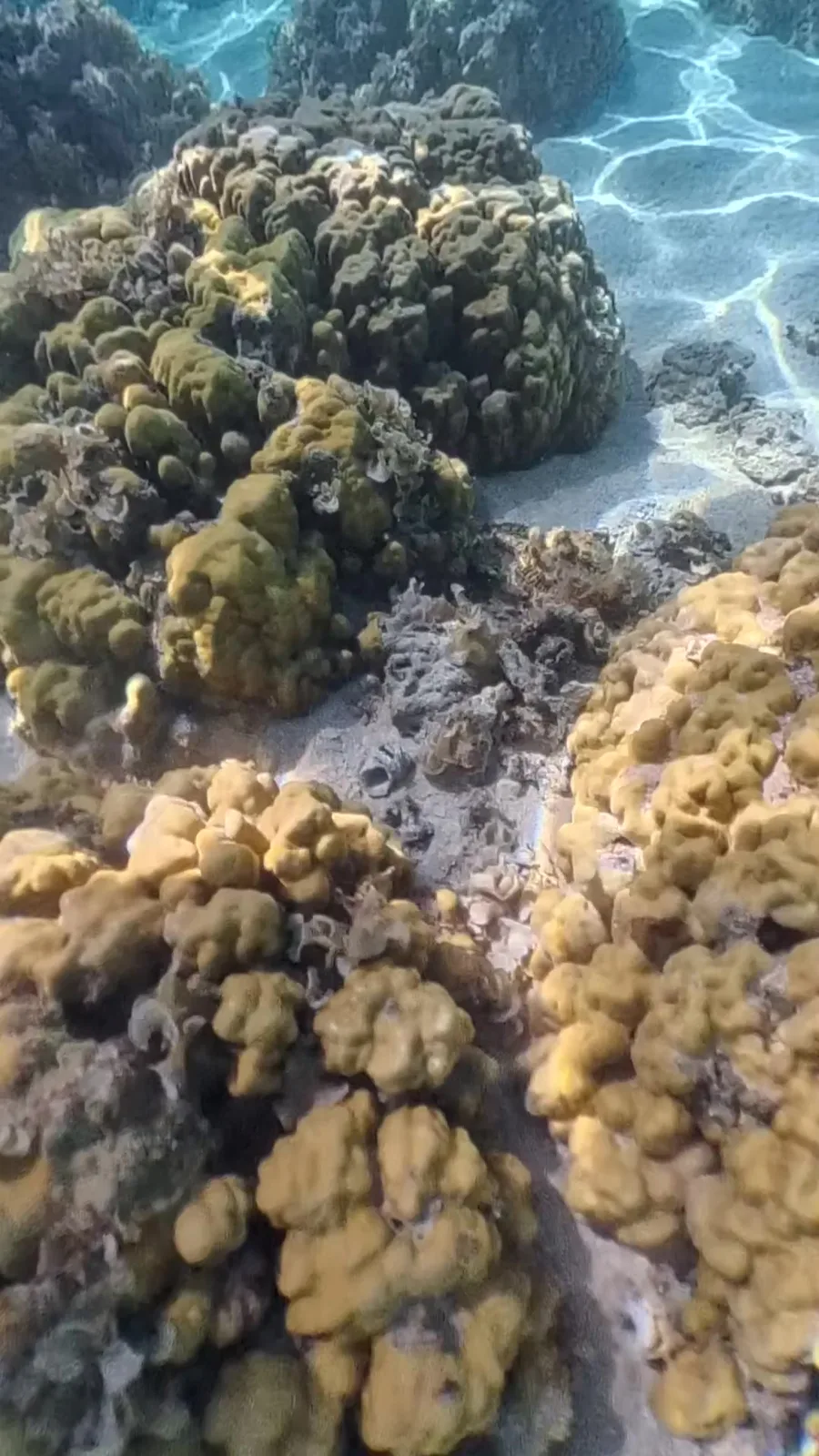
From our trip to Mauritius, I brought back over 97 gigabytes of raw footage. From the vacation in the Maldives in August, it was 379 gigabytes, family videos included. I could also check and cut the videos on my phone while still on vacation. It’s just that you don’t sit down for hours of editing in the evening.
In return, I get quite different videos out of one minute of footage. One time only the animal can be seen. Another time the frame shows my partner and the animal in the wide view. Or the video starts with the animal and then pans to me.
The GoPro: finished right away, but you have to aim
With the GoPro, nothing has to be cut. But you have to aim with it. If a fish swims out of the frame, it’s gone. I have some photos and videos from the GoPro in which an animal isn’t fully in the picture or parts of other snorkelers are in the frame. A video like that can’t be saved. With the Insta360, I follow the fish later in the frame.
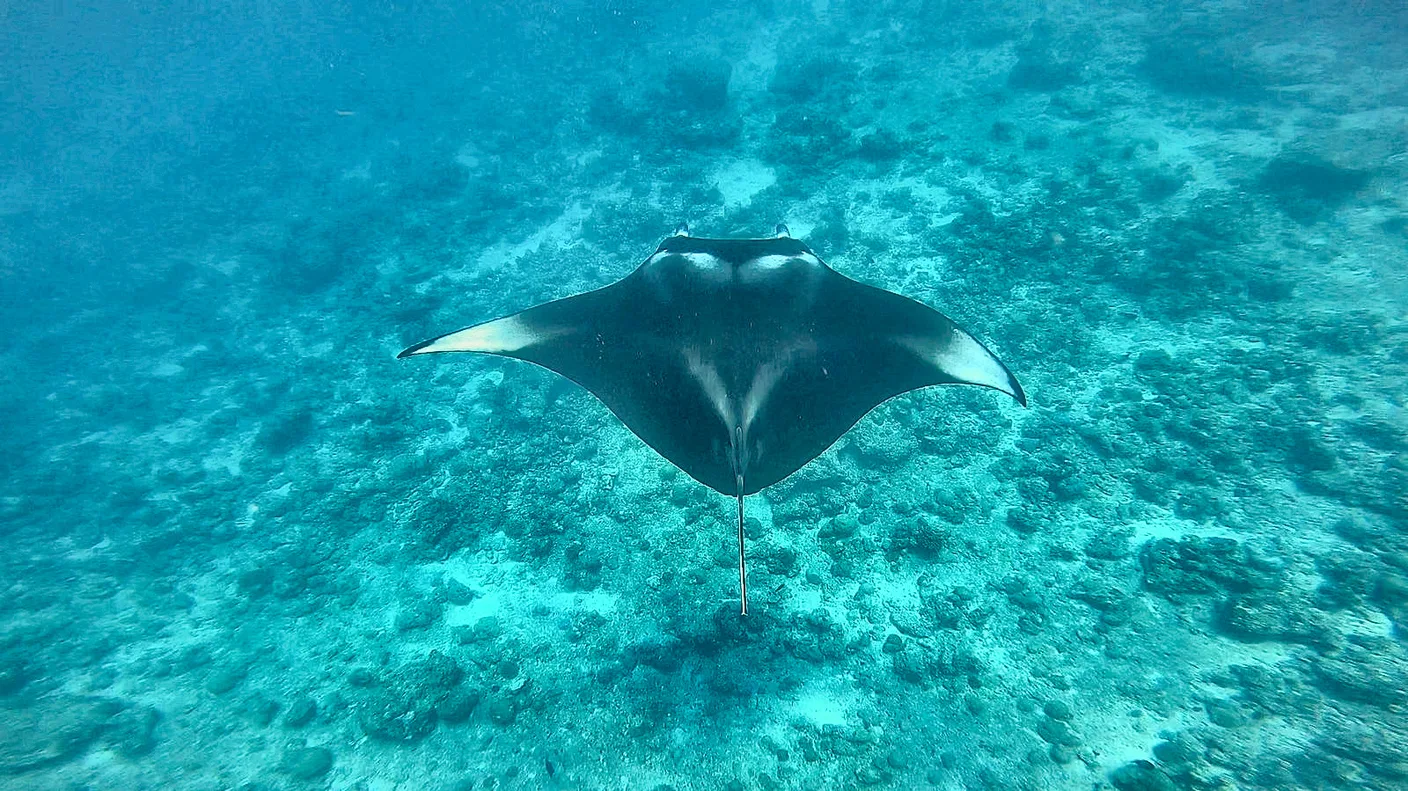
I still filmed the manta off Rasdhoo with the GoPro.
Why do colors look green underwater?
The colors from my Hero 10 were very green-tinged underwater. Without post-processing, the videos weren’t that good. Newer GoPro models are said to do this much better; I haven’t tried that. When diving at Ras Mohammed in the Red Sea, the Hero 10 could no longer keep up with the colors from about fifteen meters down.
The color cast comes from the water. Even at a depth of one and a half meters, red is noticeably lost, and at around five meters it has almost disappeared. That’s how the Underwater Photography Guide, a specialist portal for underwater photography, describes it. What counts is the whole path of the light, that is, the depth plus the distance to the subject.
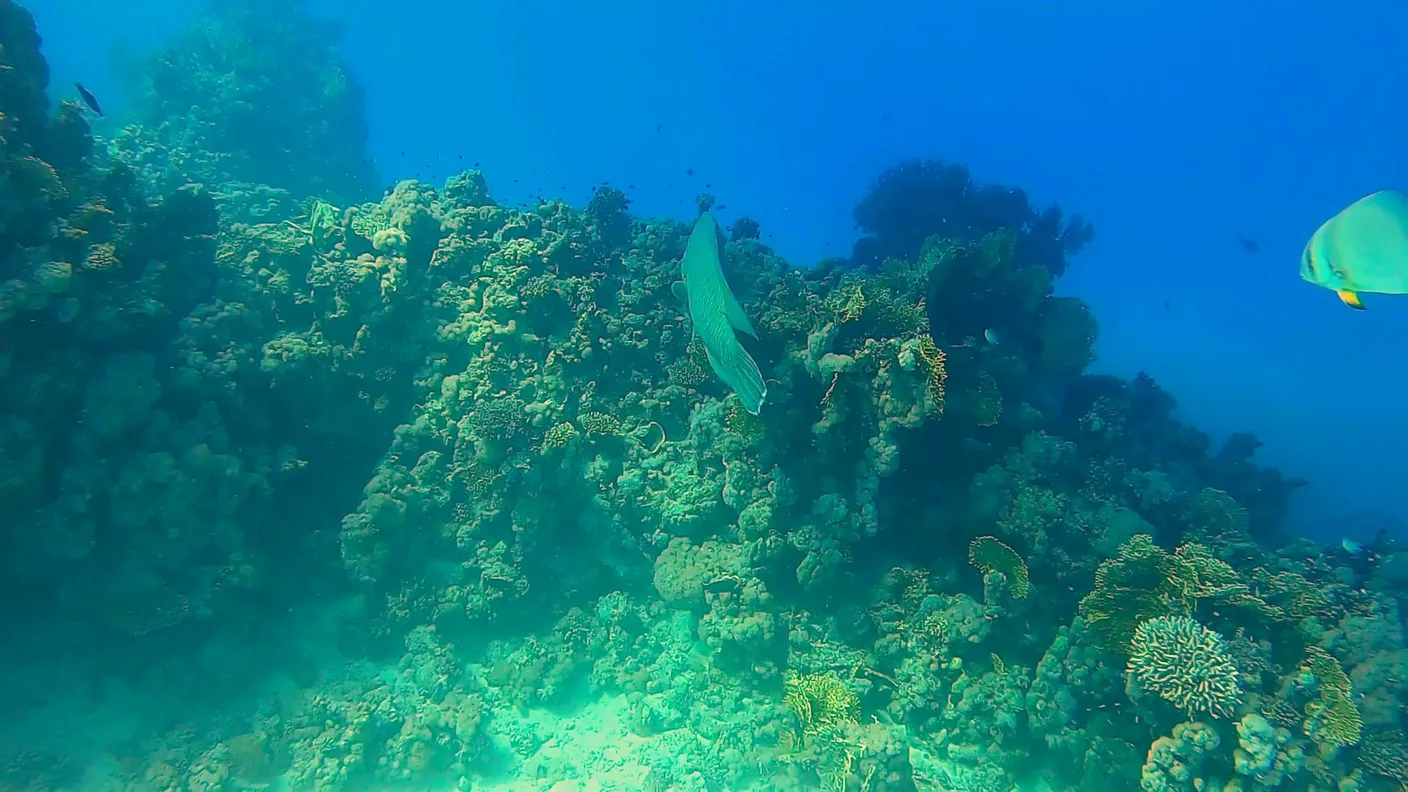
With the Insta360 too, I apply a color filter when editing. For that, Insta360 offers an underwater color correction called AquaVision in the app and in Insta360 Studio. So for me, with both cameras, color is part of the post-processing.
Does the X5 need a dive case underwater?
Underwater I always use the dive case, even when snorkeling. Without the case, an edge between the images of the two lenses would be visible in the 360-degree video. Insta360 explains this in the manual with the different refractive indices of water and air. Light is refracted differently underwater, and when the two images are joined, known as stitching, errors can then occur. For 360-degree footage underwater, the manufacturer therefore recommends its dive case.
I have the Invisible Dive Case Pro. According to Insta360, the camera detects it on its own and switches to dive case mode, which adapts the stitching to the case.
Some of my videos with this case went wrong. Mostly it was reflections of sunlight, so-called lens flares, when the light came in at an unfavorable angle. On Insta360’s help pages it says about the Pro case that in strong light a slight, bright arc of light can appear. The manufacturer advises not to film into strong light sources underwater. Unfortunately, I only noticed the reflections at home.
I check the case every day. I look to see whether everything is clean and sealed and whether the little inserts that absorb the humidity in the case are in place. Twelve of these anti-fog inserts come with the case.
Image quality underwater: this takes practice
The long editing is somewhat annoying. For me it’s not a real drawback, because I can get so much out of one recording. What I find really bothersome is the image quality. In almost all the shots that mattered to me, I have the worst image quality: with the whale shark, in Hanifaru Bay, with the mantas at the cleaning station and with the dolphins on Mauritius.
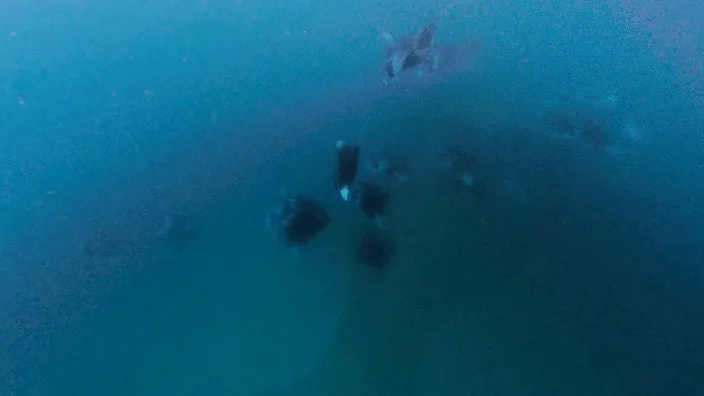
You can certainly do better than that. With the Insta360 you need practice. You have to take care of the equipment and adjust to every situation. As an amateur filmmaker who uses his gear once or twice a year, I haven’t managed that so far. With more practice, I would certainly stick with the Insta360.
My underwater settings: 8K, no HDR
I filmed the whole Maldives vacation in August in 8K, without HDR. Insta360 recommends 8K at 30 frames per second for good light. According to the manufacturer, the Active HDR function doesn’t work in 8K at all.
GoPro vs Insta360 for snorkeling: good to know
- Without a case: According to the manual, the X5 is waterproof to 15 meters; the lens guard has to come off first. According to its manual, the GoPro Hero 10 is waterproof to 10 meters without a protective housing and to 60 meters with one.
- Depth rating of the cases: The X5’s Pro case is sealed to 50 meters, the standard dive case to 60 meters.
- Red filter: For the GoPro, the specialist portal DivePhotoGuide recommends a filter only below three meters. When snorkeling at the surface, you don’t need one.
- Anti-fog inserts: Insta360 advises drying and reusing each insert no more than four times.
- What else comes along: is listed under my gear.
My conclusion
I’m thrilled with the concept of the Insta360, but I don’t know yet whether I’ll stick with it. Coming back from vacation with poor image quality is frustrating, and maybe I’ll try a different product sometime. If you decide on the Insta360, plan time for editing and practice with the camera beforehand. Then you’ll certainly get very good videos.
I’ll tell about the boat trip to Crystal Rock on Mauritius in an article of its own.